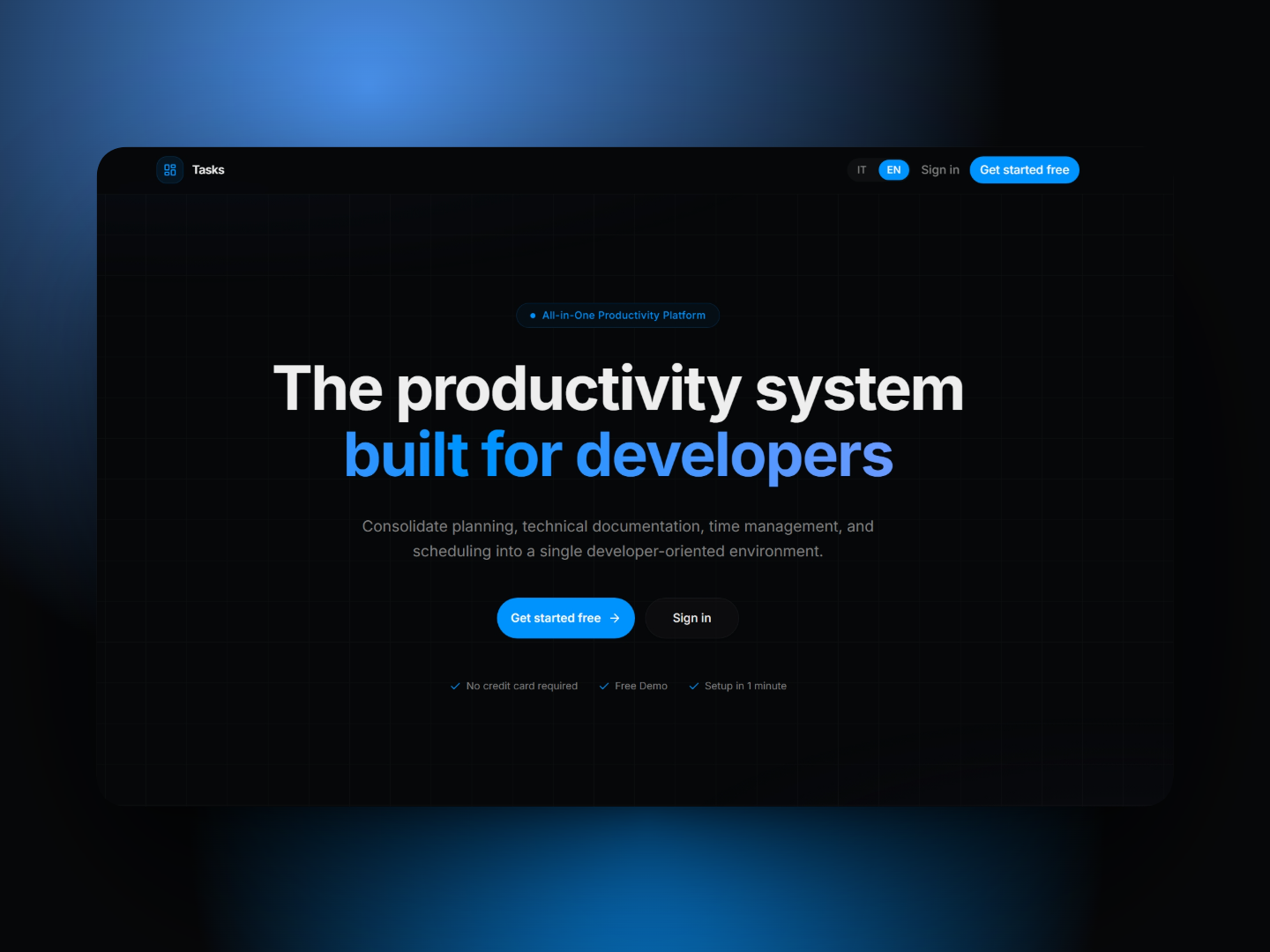
Modern developers rely on a wide range of tools to manage their work: task boards, note‑taking apps, timers, calendars, documentation tools, and AI assistants. While each of these tools solves a specific problem, using many separate platforms often fragments the workflow and forces developers to constantly switch between applications.
Tasks was created to solve this fragmentation.
The vision behind Tasks is simple: provide a single, unified environment where developers can plan, organize, execute, and review their work without leaving their workspace.
Why “Tasks” Exists
Most productivity systems used by developers today are built for general project management rather than for the real daily workflow of technical professionals.
As a result, developers typically end up using multiple tools simultaneously. One tool for tasks, another for notes, another for time tracking, another for documentation, and sometimes yet another tool for AI assistance.
This constant context switching slows down productivity and breaks focus.
Tasks was born from the idea that developers should be able to manage everything in one place: tasks, ideas, notes, code snippets, links, schedules, and focus sessions… without needing to move between different platforms.
A Workspace Built for Developers
Tasks is designed specifically for developers and technical professionals who need a flexible workspace that adapts to the way they think and work.
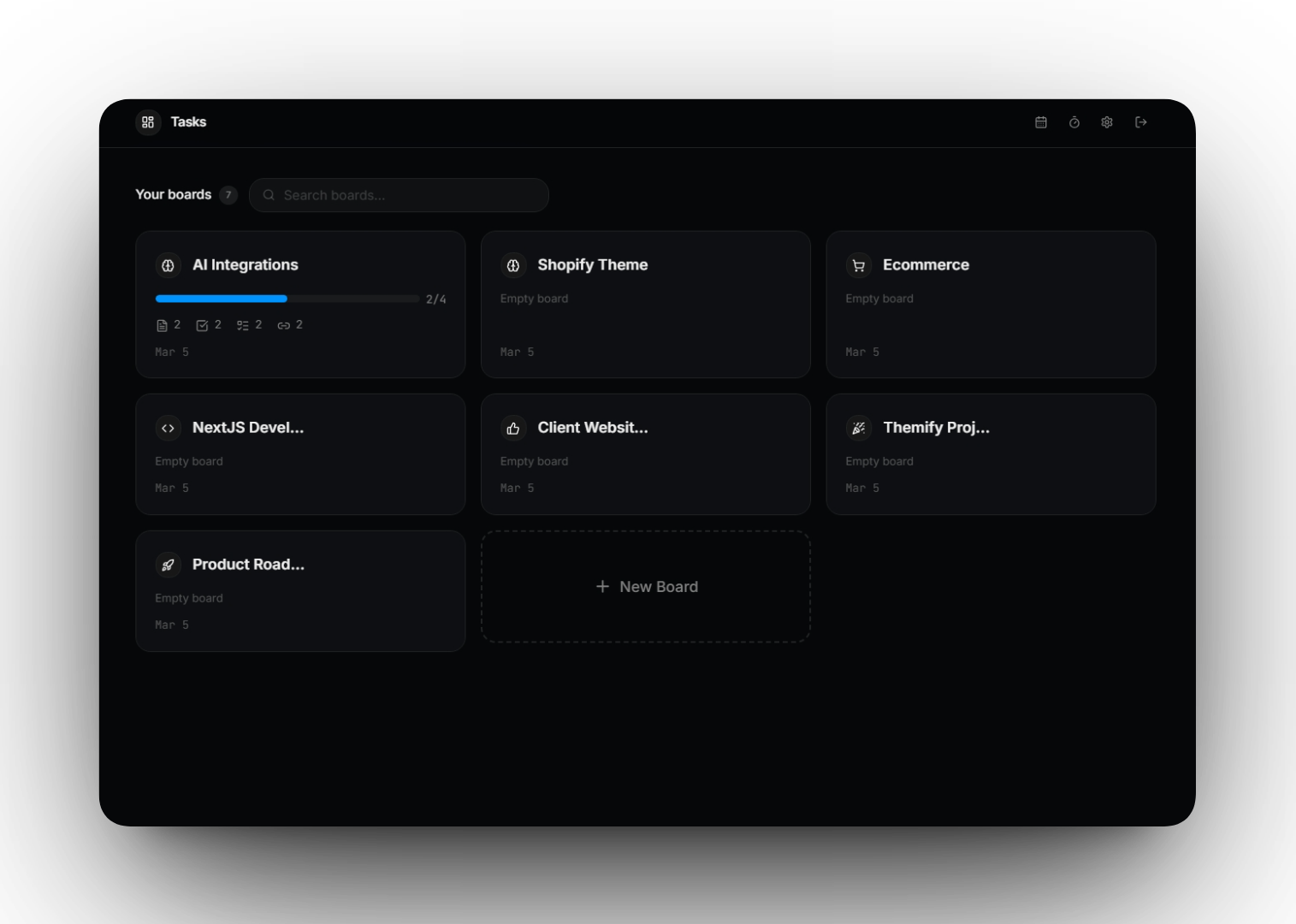
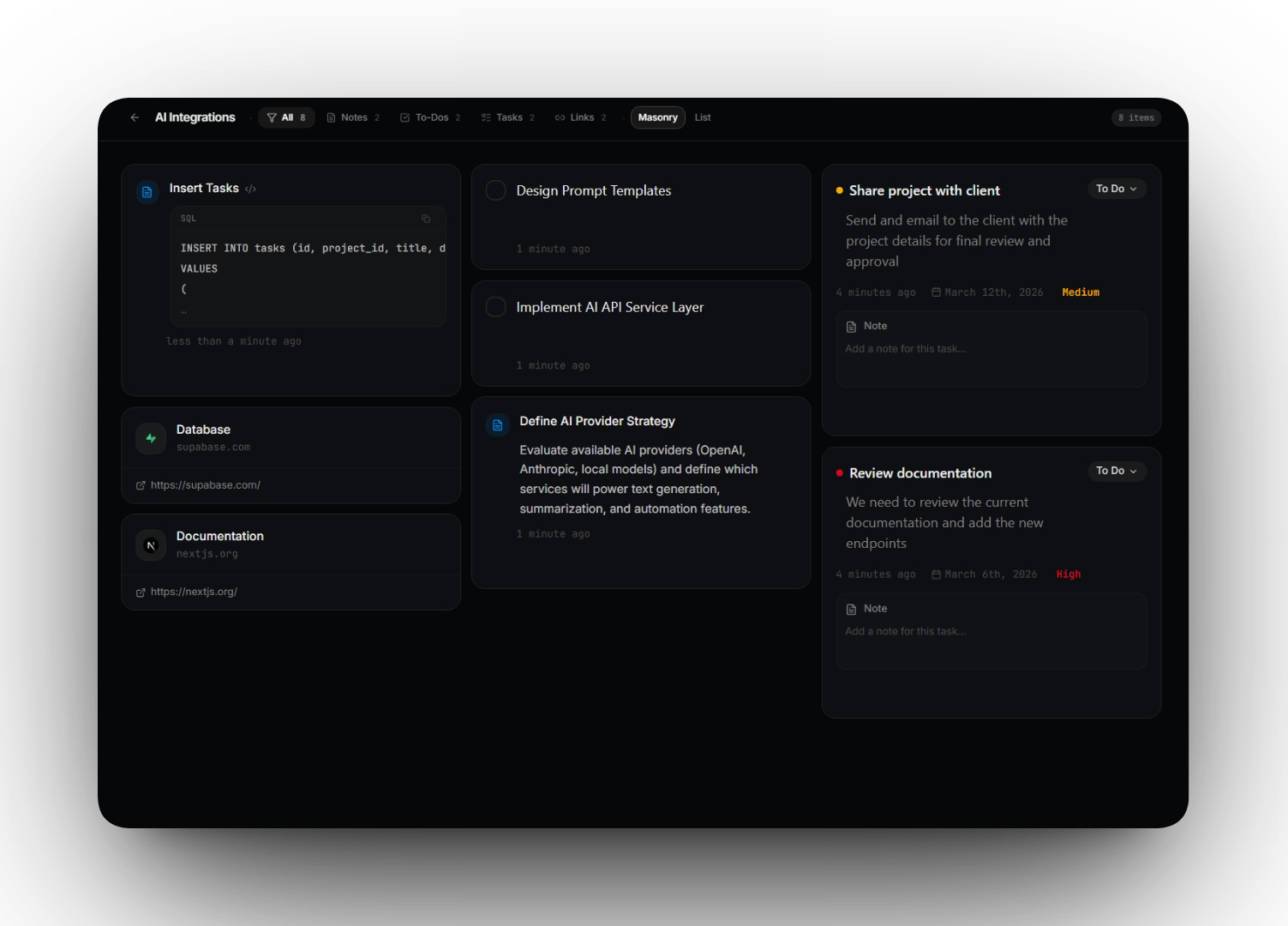
The platform revolves around boards, which act as project containers where different types of content can coexist:
- Structured tasks with priorities and status
- Quick todos
- Technical notes
- Code snippets
- Useful links and resources
This board‑based system allows developers to keep all the information related to a project in a single organized space.
Capture Ideas Instantly
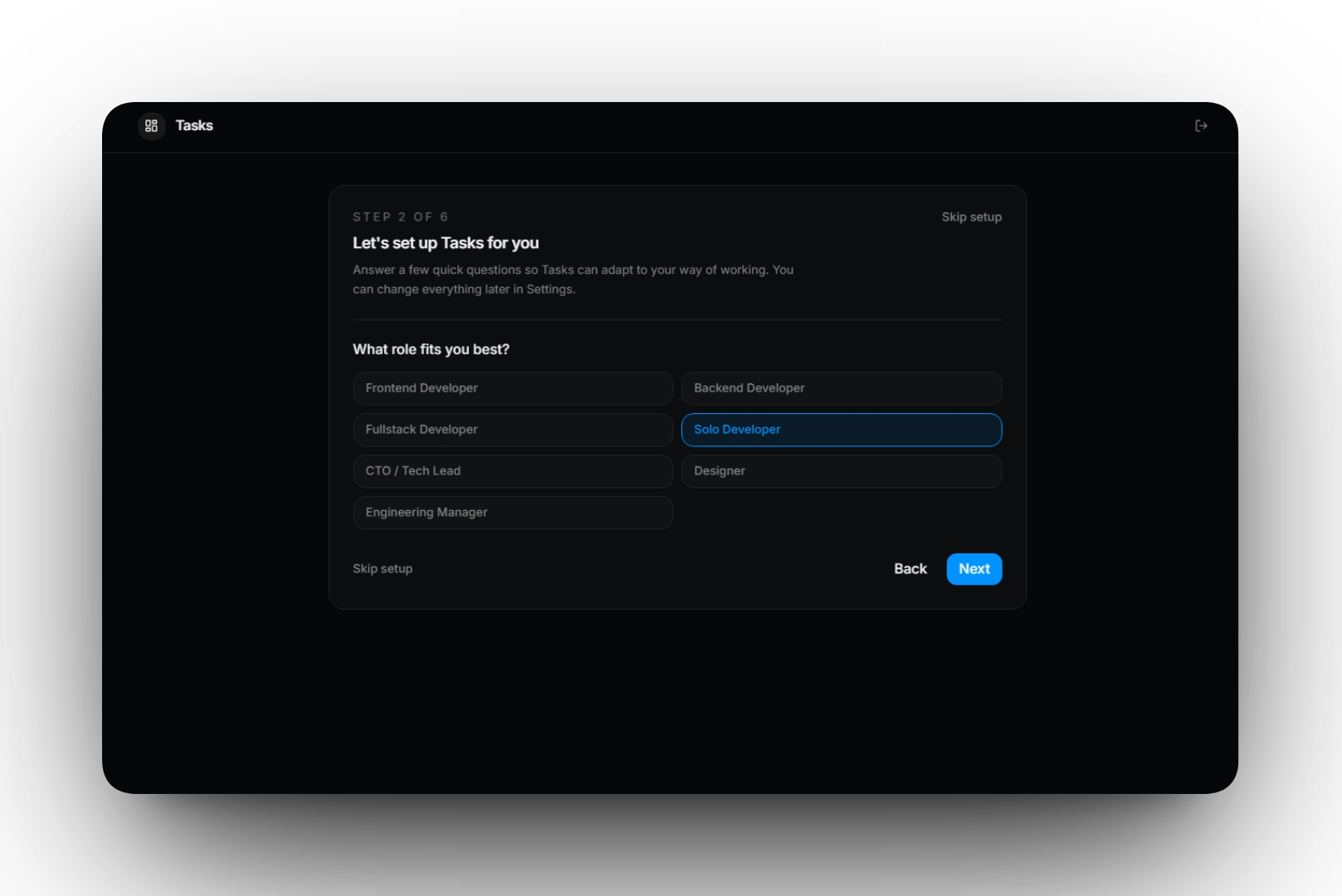
During development work, ideas and tasks appear constantly. Tasks provides a fast capture system that allows users to quickly write down a thought, idea, or task without interrupting their workflow.
In addition to manual input, Tasks includes AI‑assisted capture that can automatically interpret a short piece of text and structure it into meaningful items. A quick thought can be transformed into multiple tasks, todos, or organized notes in seconds.
This allows developers to move information from their mind into their workspace with minimal friction, keeping momentum while working.
Focus Timer (Pomodoro Workflow)
Productivity is not only about organizing work but also about maintaining focus.
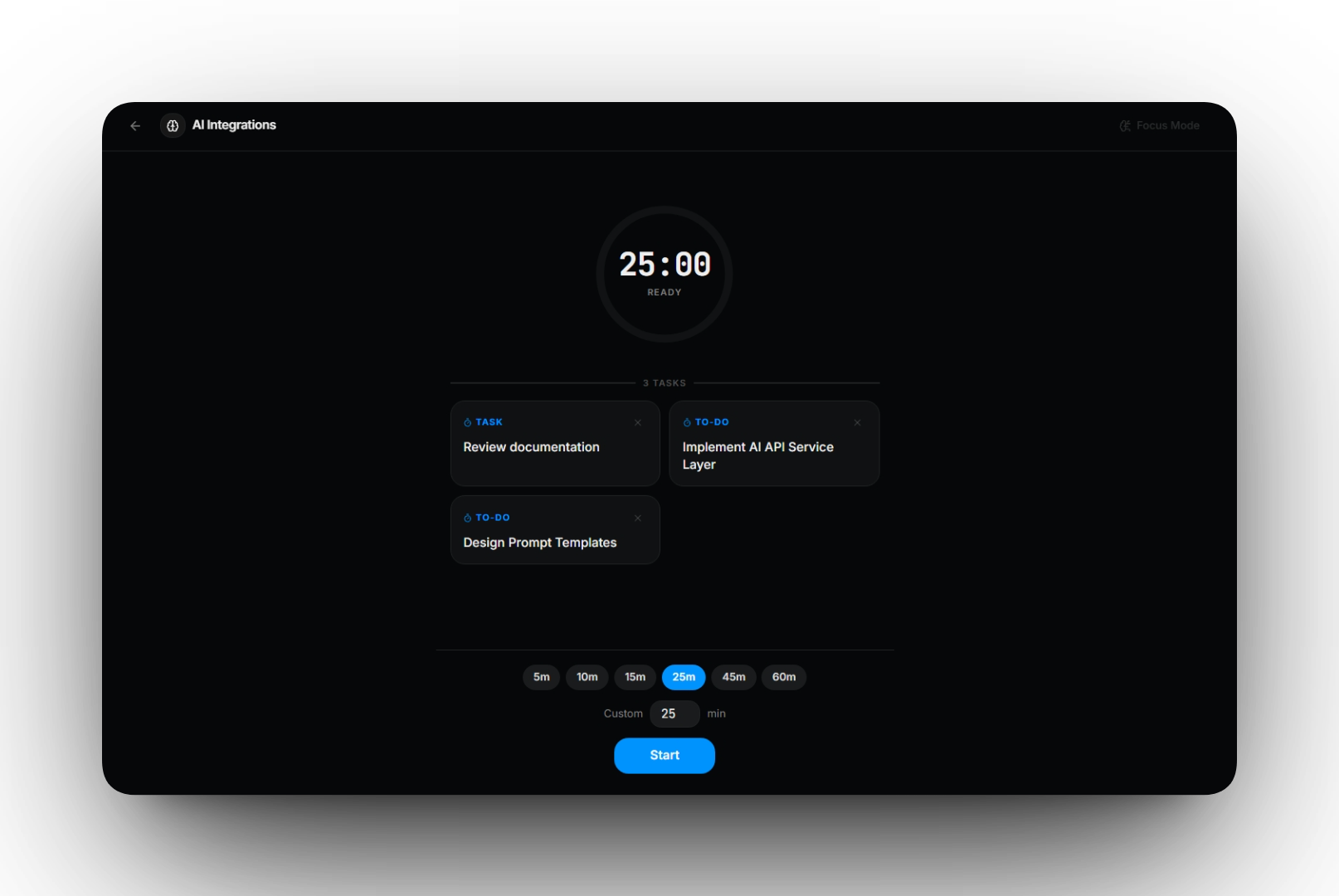
Tasks includes an integrated Pomodoro‑style focus timer designed to help developers concentrate on the work that actually matters.
Unlike traditional timers, the focus session can be directly connected to the work inside your boards. Users can link tasks and todos to a timer session, creating a clear connection between planning and execution.
During a focus session, the goal is simple: work only on the items attached to that timer.
When the session ends, Tasks asks whether the linked tasks or todos were completed. If so, they can be marked as finished instantly, turning a focus session into measurable progress.
This workflow encourages deep work, reduces distractions, and helps developers stay aligned with their priorities.
Kanban Project View
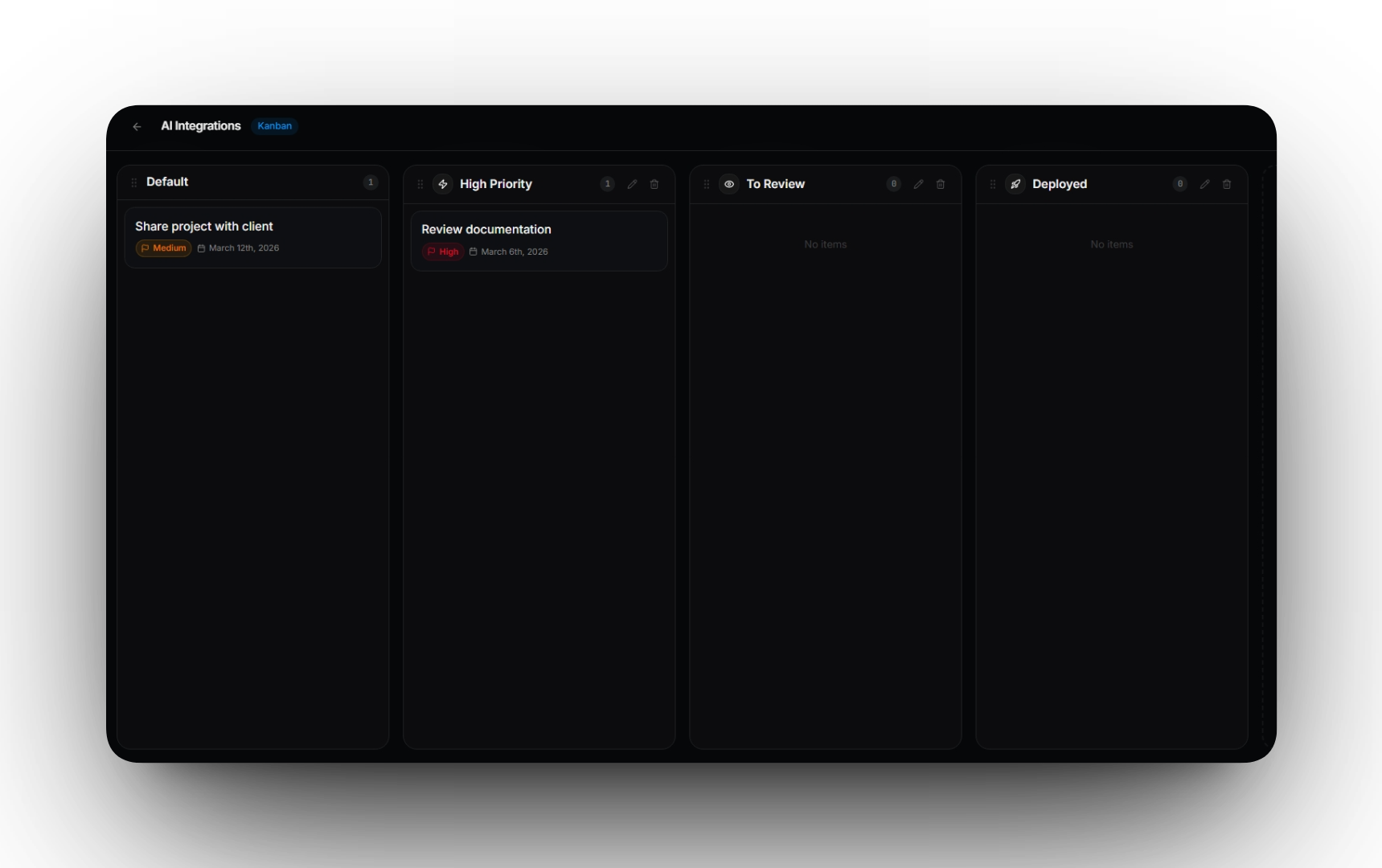
While boards allow developers to organize information in a flexible way, Tasks also includes a Kanban visualization inspired by the workflow style popularized by tools like Trello.
The Kanban view allows tasks to be organized into columns representing stages of work, such as:
- To Do
- In Progress
- Done
Tasks can be moved between columns to reflect their current state, providing a clear visual overview of project progress.
This system is especially useful for developers who prefer a visual workflow, allowing them to quickly understand what is planned, what is currently being worked on, and what has already been completed.
By combining structured tasks with a visual Kanban board, Tasks supports both detailed planning and high‑level project visibility.
Calendar and External Calendar Integration
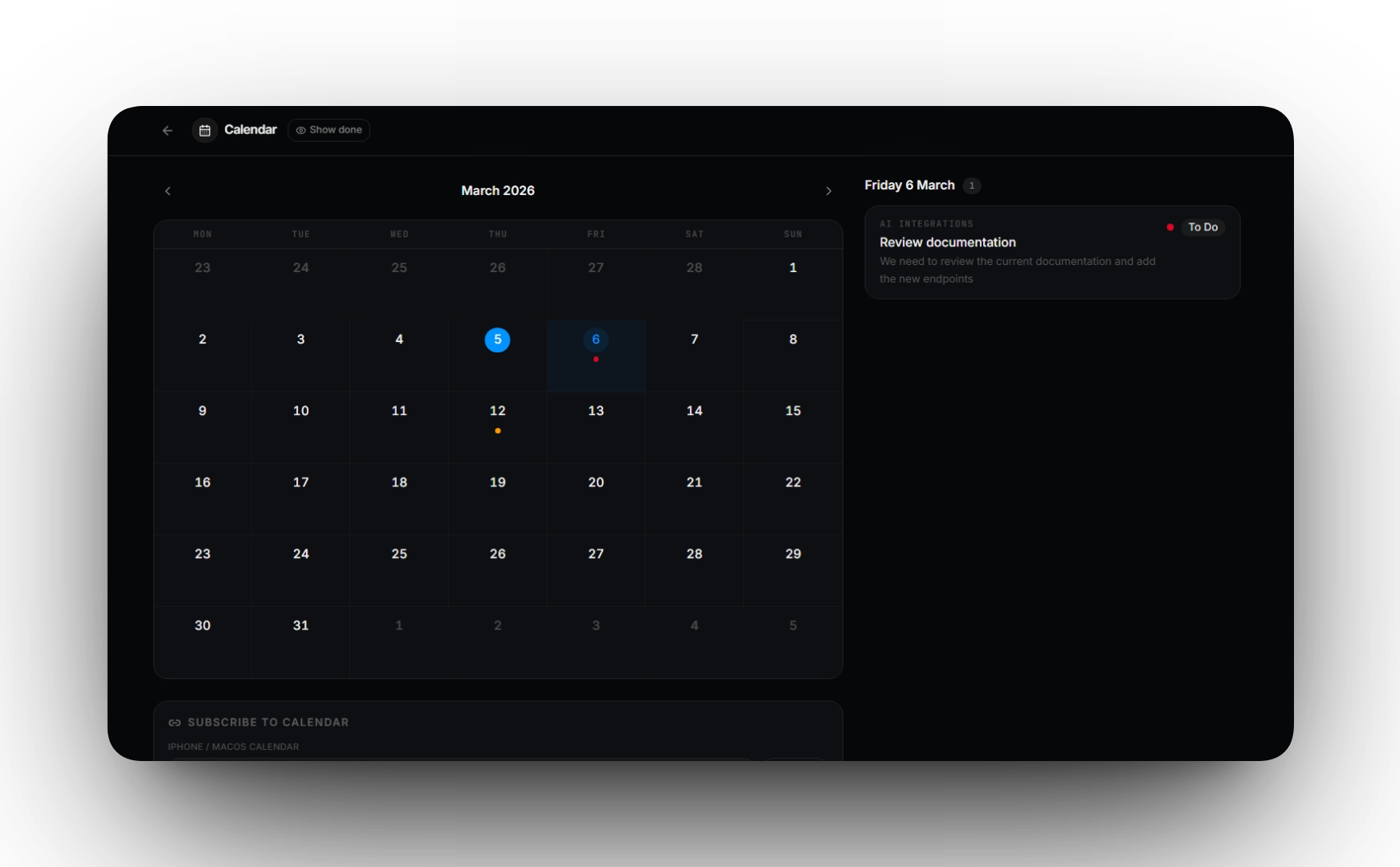
Tasks includes a dedicated calendar view that allows developers to visualize their workload over time and better plan upcoming work.
The calendar displays tasks that include due dates or scheduled times inside a monthly overview, making it easy to see deadlines and upcoming responsibilities at a glance.
Selecting a specific day opens a detailed panel showing all tasks scheduled for that date, grouped and organized for quick review. From there, users can immediately jump back to the original item inside the board where the task was created.
Developers can also toggle the visibility of completed tasks, allowing the calendar to focus only on what still requires attention.
External Calendar Subscription
Tasks also allows users to subscribe to their tasks from external calendar applications through a personal iCal subscription.
This means deadlines created inside Tasks can automatically appear in external calendar apps such as:
- Apple Calendar
- Google Calendar
- Other applications that support the iCal standard
Each user receives a private subscription link that keeps their calendar updated with tasks that include due dates. Both all‑day tasks and tasks with specific times are supported.
This integration ensures that important deadlines remain visible even when working outside the Tasks environment.
AI Assistance with Full Control
Artificial intelligence can be a powerful productivity tool when used transparently and responsibly.
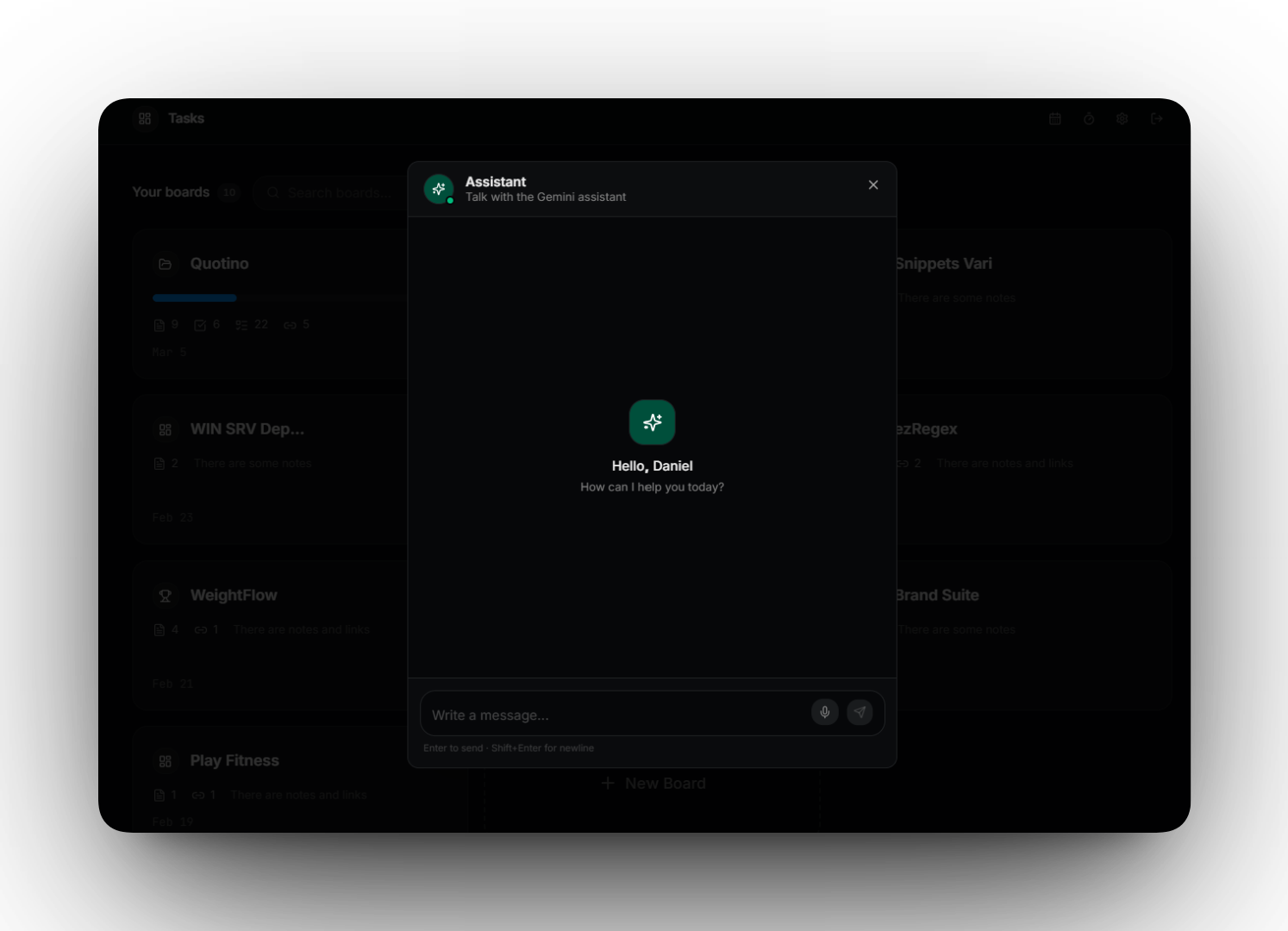
Tasks integrates a powerful AI assistant directly inside the workspace through a chat widget. Unlike generic chat tools, the assistant understands the context of the board you are working on, including your tasks, notes, todos, and links.
This contextual awareness allows the assistant to help with real productivity tasks such as:
- Explaining complex notes or technical concepts
- Helping organize and prioritize tasks
- Summarizing project boards
- Preparing status reports
- Analyzing project progress
The assistant becomes a companion for your daily workflow rather than a separate external tool.
Voice Interaction
The AI chat also supports voice input, allowing developers to speak directly to the assistant. Conversations can be transcribed and processed instantly, making it easy to capture ideas or ask questions without interrupting your workflow.
Your AI, Your Keys
Tasks is designed with transparency and control in mind. Users can configure their own AI API keys directly in the application settings.
All keys are securely stored using AES‑256 encryption and managed entirely server‑side, preventing exposure in the client and reducing the risk of key leakage. This ensures that users maintain full control over their AI usage while benefiting from powerful AI features integrated into the platform.
SuperSearch
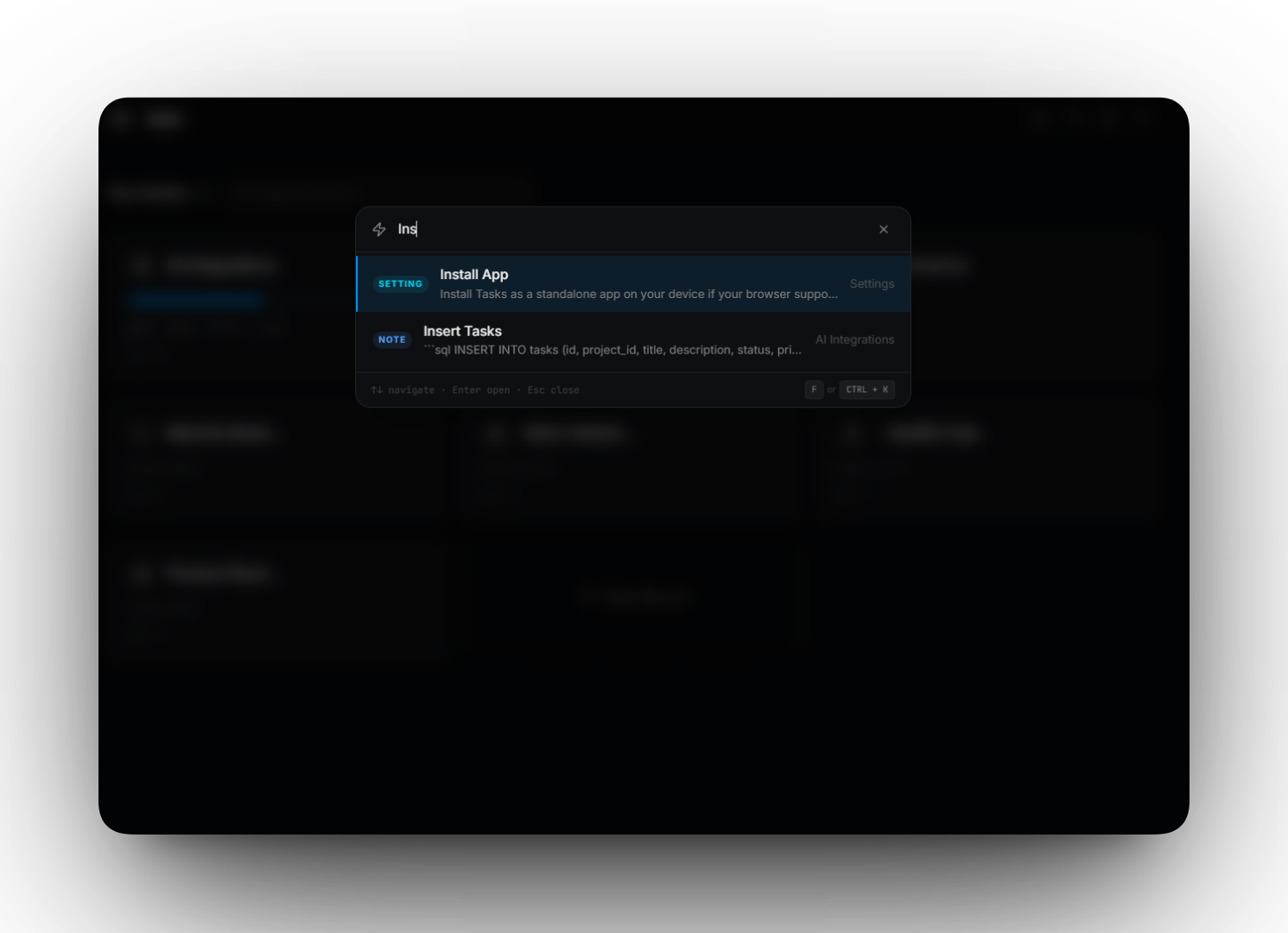
As projects grow, information can quickly accumulate across many boards. Tasks includes “SuperSearch“, a powerful global search system designed to instantly locate anything inside your workspace.
SuperSearch allows developers to quickly find notes, tasks, todos, links, or other information stored anywhere across their boards without needing to remember where the information was originally saved.
Instead of navigating through multiple boards and sections, users can simply open SuperSearch and jump directly to the relevant content in seconds.
The feature can also be enabled or disabled from the settings, giving users full control over their workspace experience.
Share Knowledge Easily
Sometimes work needs to be shared outside the personal workspace. Tasks allows boards to be shared through public read‑only links, making it easy to present project information, documentation, or planning boards without exposing editing access.
A Unified Productivity Environment
The goal of Tasks is not to replace one tool with another but to eliminate the need for multiple disconnected tools.
By combining planning, task management, notes, focus sessions, AI assistance, and calendar visibility into a single workspace, Tasks provides developers with a streamlined environment where everything they need is always within reach.
Security and Privacy
Tasks is designed with security and data privacy as fundamental principles.
User authentication and session management ensure that access to personal workspaces remains protected. Each user’s data is isolated to prevent unauthorized access and ensure that projects remain private.
Sensitive information such as AI API keys is encrypted using AES‑256 encryption and stored securely on the server side. The client application never receives raw stored secrets, reducing the risk of accidental exposure or leakage.
When interacting with the platform, users only receive masked placeholders for sensitive credentials while the secure backend handles encrypted storage and usage.
Public sharing features are intentionally designed as read‑only, ensuring that shared boards can be viewed externally without allowing modification of the original content.
For calendar integrations, external subscriptions are protected through user‑specific secure tokens, ensuring that only authorized calendar links can access task data.
These security measures allow developers to use Tasks with confidence while maintaining full control over their data and integrations.
Conclusion
Tasks represents a new approach to developer productivity: fewer tools, less fragmentation, and a more focused workflow.
By bringing together the essential elements of project organization and execution into one cohesive platform, Tasks helps developers stay organized, maintain focus, and keep their entire workflow in one place.